Testing VPC Connectivity
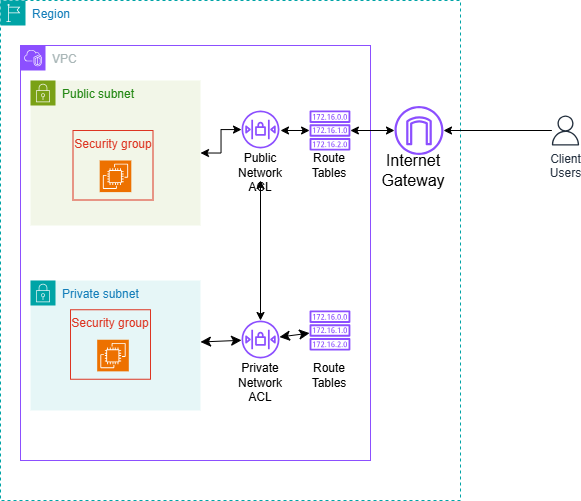
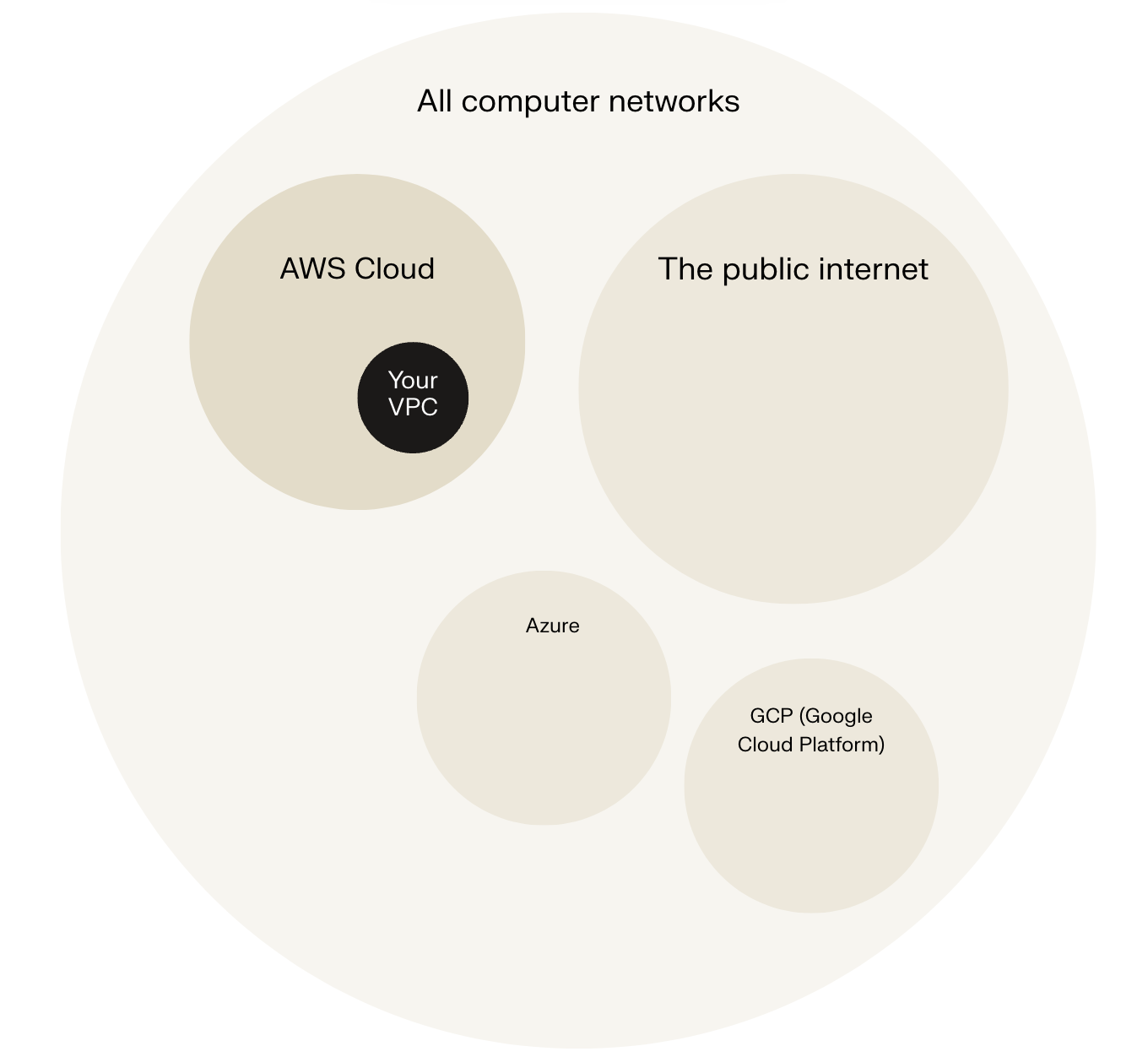
Amazon Virtual Private Cloud (VPC) is a logically isolated section of the AWS cloud where you can launch and manage AWS resources in a virtual network that you define and control. It provides complete control over network configuration, including selecting your own IP address ranges, creating subnets, configuring route tables, network gateways, and security settings.
In today's project, I used Amazon VPC to test the connectivity between the private and public servers, and the public server with the internet.
Connecting to an EC2 Instance
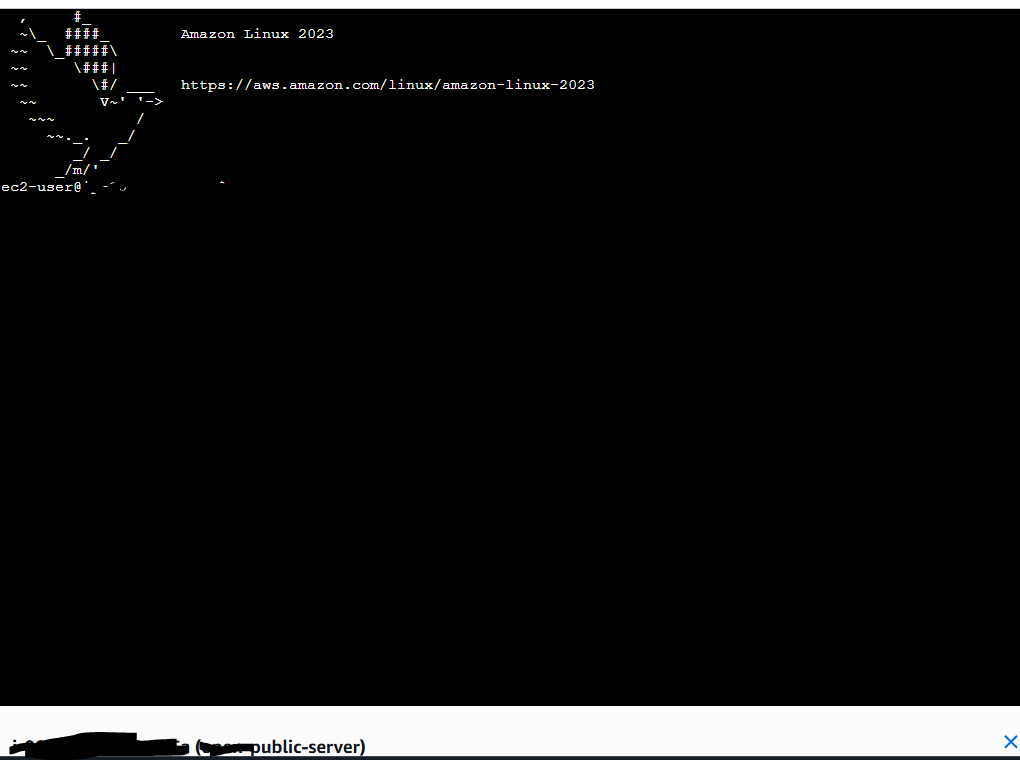
Connectivity is all about how well different parts of your network talk to each other and with external networks. It's essential because connectivity is how data flows smoothly across your network, powering everything from simple web hosting on the Internet to complex operations. My first connectivity test was whether I could connect to the public EC2 instance using EC2 Instance Connect which is a standard approach that lets you connect to your Linux instances through the AWS Management Console without needing to manage SSH keys manually.
EC2 Instance Connect works by pushing a temporary SSH public key to the instance metadata for 60 seconds, after which you establish a connection through your browser or CLI with the correct username (like "ec2-user" for Amazon Linux) and the instance’s public IP address.
EC2 Instance Connect
I connected to my EC2 instance using EC2 Instance Connect, which is a convenient and secure method to connect to EC2 instances without managing SSH keys manually. My first attempt at getting direct access to my public server resulted in an error, because the security group did not allow inbound SSH traffic. I resolved the issue by adding a new inbound rule to allow SSH traffic from any IPv4 address. However, allowing SSH access from "Anywhere-IPv4" (0.0.0.0/0) is not recommended because it exposes the instance to potential unauthorized access and security threats from any location.
A more secure approach is to restrict inbound SSH traffic to a specific range of trusted IP addresses, such as the CIDR block that corresponds to the IP addresses used by EC2 Instance Connect or your own trusted network. This minimizes the attack surface and aligns with AWS security best practices by implementing the principle of least privilege for SSH access. This protects the instance from brute force attacks, unauthorized access attempts, and other security risks.

Connectivity Between Servers
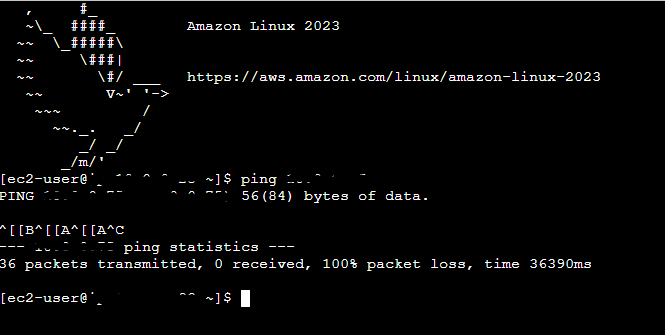
Ping is a network utility that sends ICMP (Internet Control Message Protocol) Echo Request packets to a target host and measures the response time, confirming basic IP-level connectivity between devices like EC2 instances. I used ping to test the connectivity between the public and private servers. The ping command I ran was ping <private_server_ip4_address>.
The first ping returned a single line indicating that the Public Server had sent out a ping message. This was the only response from the command and this meant that there was a problem establishing a connection.
Troubleshooting Connectivity
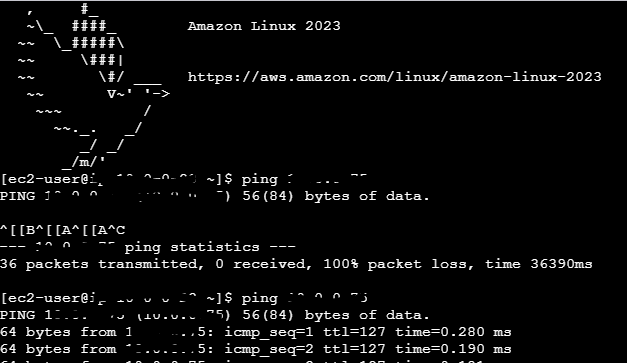
I troubleshooted this by adding inbound/outbound rules to the private network ACL that allowed ICMP traffic from the public server. Then added an inbound rule to the private security group that allowed ICMP from the security group associated with the public server.
Connectivity to the Internet
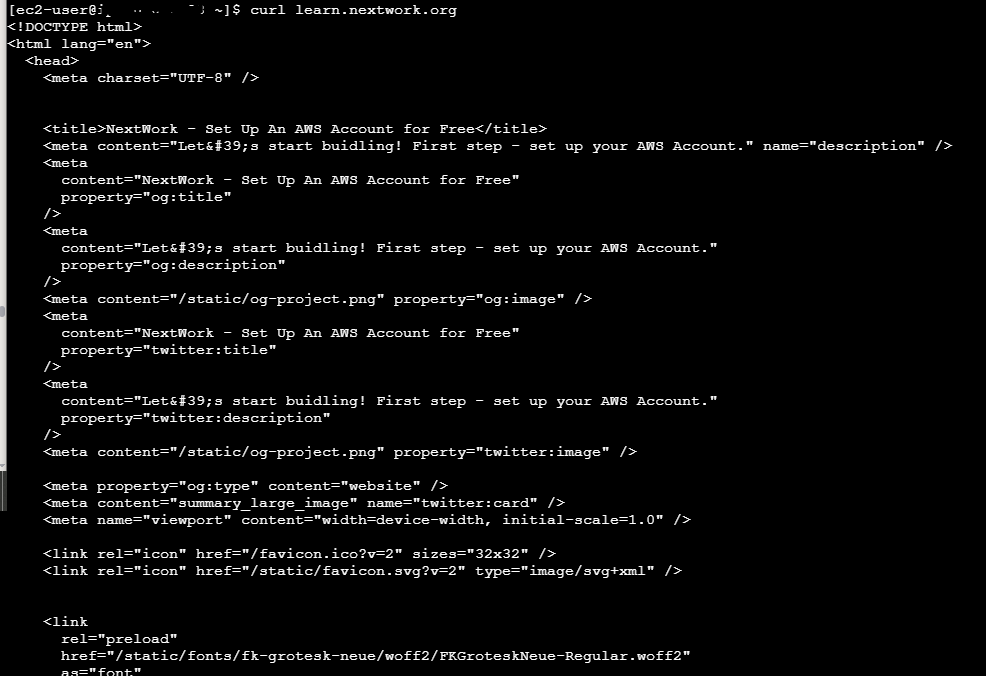
Curl is a command-line tool for testing network connectivity at the application layer by transferring data to or from servers, such as fetching web content via HTTP/HTTPS. It differs from Ping which verifies basic IP reachability and round-trip latency using ICMP. Curl also confirms host availability and also service responsiveness on specific ports like 80 (HTTP) or 443 (HTTPS). I used curl to test the connectivity between the public server and the internet- specifically learn.nextwork.org.
Ping and curl differ fundamentally in their protocols and testing scope: ping uses ICMP at Layer 3 (Network) to verify basic IP reachability and round-trip latency between hosts, while curl uses TCP (Layer 4+) and application protocols like HTTP/HTTPS (Layer 7) to transfer data, test specific ports, and confirm service availability.