Creating a Private Subnet
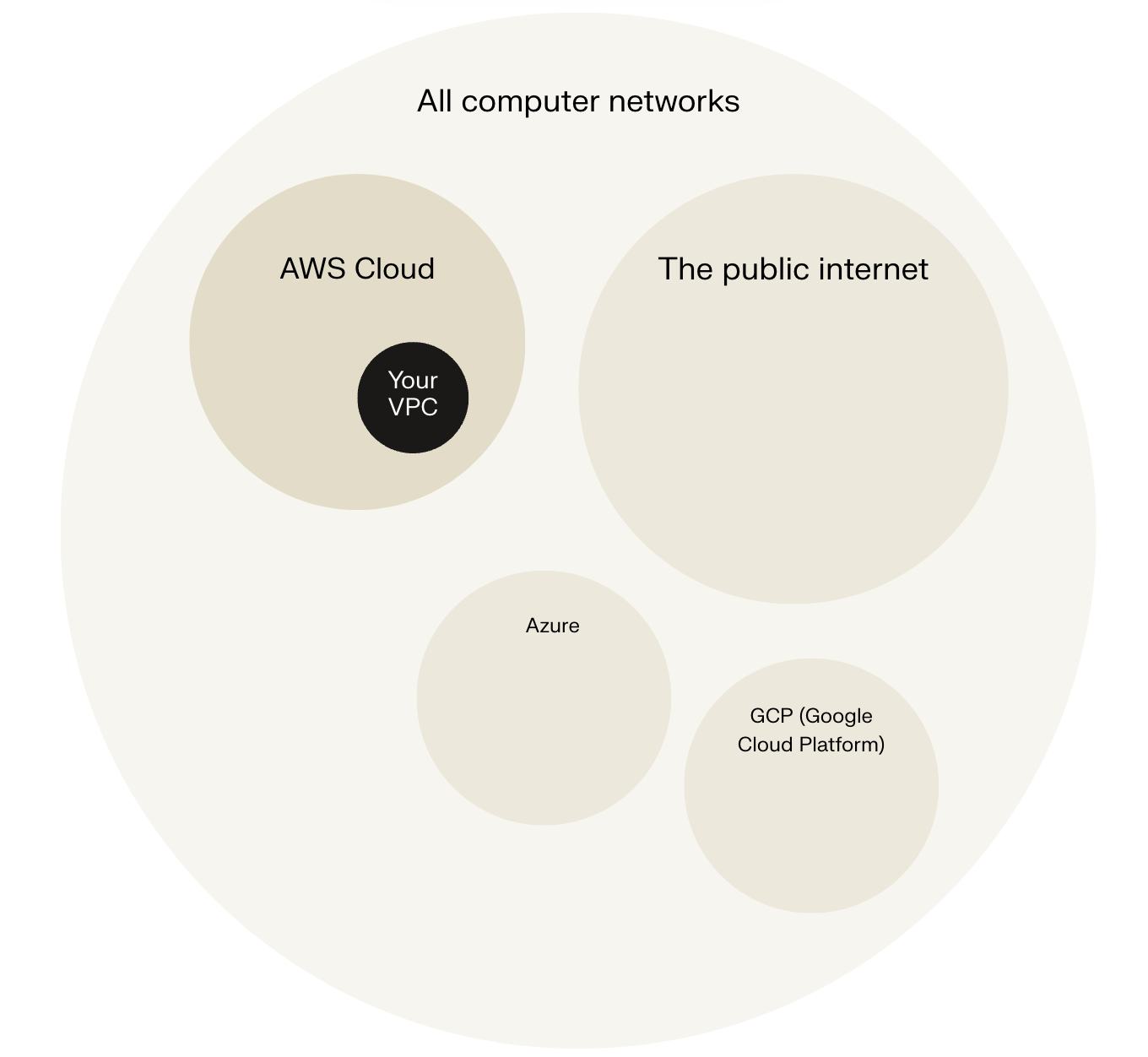
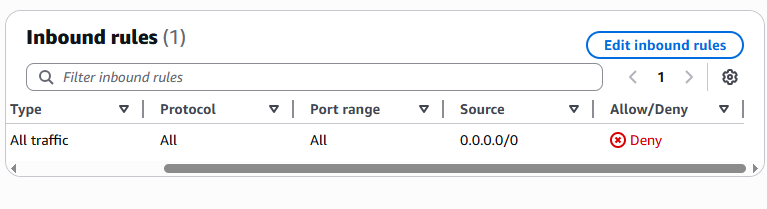
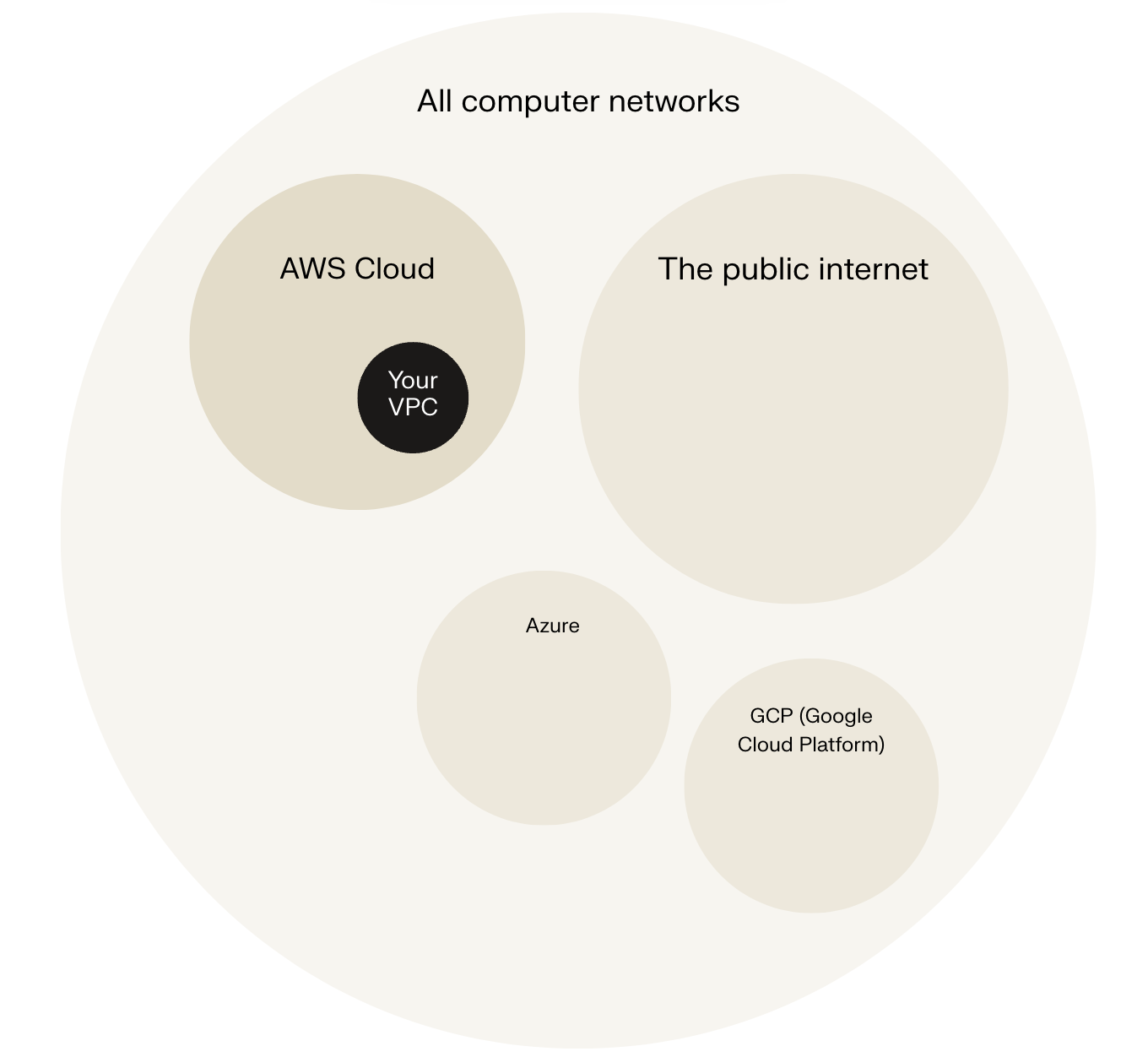
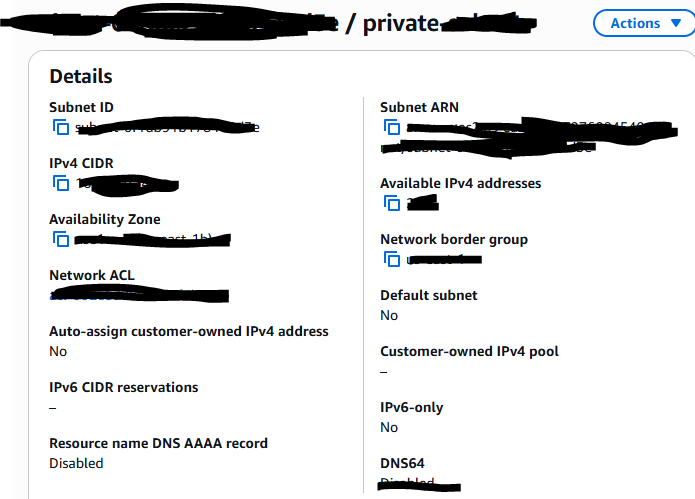
In today's project, I used Amazon VPC to setup a private subnet. The private subnet is a logically isolated section within the VPC where resources are not directly accessible from the internet. This involved defining a subnet within an IP address range inside the VPC and associating it with a dedicated route table and a restrictive network ACL that denied all inbound and outbound traffic.
Private vs Public Subnets
A private subnet, as the name suggests, is a private region within your VPC and is typically a place where resources that you do not want to interface with the public are kept. For your database that stores customers and log in details for your web application.
Having private subnets is useful because they enhance security by isolating sensitive resources such as databases from direct internet access, reducing the attack surface. They enforce controlled access paths, ensuring traffic flows through secure, monitored routes. Private subnets also help meet compliance requirements related to network segmentation and isolation.
My private and public subnets cannot have the same subnet CIDR block. Imagine if you were to build a new suburb in your city with the exact same set of street names and post codes as another suburb. Navigation would become very confusing - some addresses in your city would have two possible locations! For the same reason, every subnet in a VPC must have a unique CIDR block so traffic is routed correctly and there are no conflicts.
A dedicated route table
By default, a private subnet is associated with the main route table of the VPC. This main route table contains a local route that allows communication within the VPC but does not direct traffic to an internet gateway, which keeps the subnet isolated from direct internet access. Unless you explicitly associate the private subnet with a custom route table, it will use this main route table by default. This ensures that the subnet only has local routing unless you add specific routes, such as those directing traffic to a NAT gateway for controlled outbound internet access.
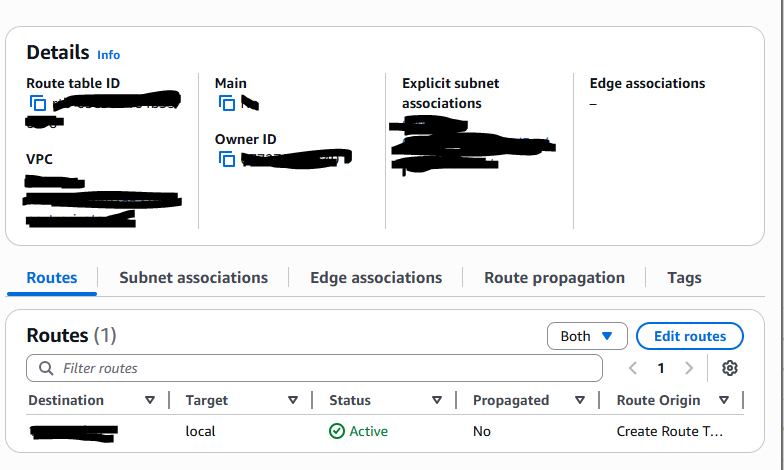
I had to set up a new route table because the main route table had a route to direct internet access. The route table for the private subnet should be isolated from direct internet access. My private subnet's dedicated route table only has one inbound and one outbound rule that allows all traffic within the VPC CIDR block, represented by the "local" route. This local route permits instances within the private subnet to communicate with other resources inside the VPC but does not allow direct internet access.
A new network ACL
By default, my private subnet is associated with the default ACL created when the VPC is created. The VPC's default network ACL allows all traffic, which exposes the private subnet to unrestricted access from the internet or other untrusted networks. I set up a dedicated network ACL for my private subnet because If any part of the VPC (e.g. public subnet) gets compromised, the attacker could take advantage of the permissive default ACL setup to access or attack the resources in the private subnet. I set up a dedicated network ACL for my private subnet because If any part of the VPC (e.g. public subnet) gets compromised, the attacker could take advantage of the permissive default ACL setup to access or attack the resources in the private subnet.